
Why I Rebuilt My Portfolio in Jekyll After Years on WordPress
August 02, 2026

I’ve built more WordPress sites than I can count. It’s still what I reach for when a client needs a CMS their team can actually log into and manage themselves. But my own site is a different problem — I’m not handing it off to anyone, and every month it sat on WordPress cost me something in load time, plugin upkeep, and attack surface I didn’t need for a handful of pages and a blog. So I rebuilt it in Jekyll. Here’s what that decision actually looked like from the inside.
Need help with website design, development, or fixing issues?
I've been building websites since 2016 — from WordPress and eCommerce builds to fast, modern sites with Jekyll, React, and Astro. Whether you're starting from scratch, redesigning something outdated, or just need a stubborn bug fixed, I can help.
Contact MeThe maintenance tax nobody budgets for
A WordPress install isn’t just a website — it’s a small piece of infrastructure. Core updates, plugin updates, theme updates, a database to back up, and a constant low hum of “is this plugin still maintained.” None of that is expensive on its own. Added up over a year, on a site that’s mostly static content, it’s a tax I was paying for flexibility I wasn’t using.

Jekyll flips that entirely. There’s no database, no admin panel to secure, no plugin ecosystem to babysit. The site is just files — Markdown, Liquid templates, and a build step that outputs static HTML. Once it’s generated, there’s nothing left to update except the content itself.
What the Jekyll workflow actually feels like
The part I underestimated going in was how much better the writing experience gets. No browser tab, no editor lag, no “the page failed to save.” A new post is a Markdown file in _posts/, written in whatever editor I already have open, committed to Git like every other change to the site.

That Git-backed workflow turned out to matter more than I expected. Every content change has a diff, a commit message, and a history I can roll back. On WordPress, “what changed on the About page in March” meant digging through revision history in the admin panel, if it existed at all. Here it’s just git log.
Rethinking the desk, not just the stack
Rebuilding the site pushed me to rethink how I actually work day to day, not just what framework renders the pages. I moved my desk setup around, cleared out tools I wasn’t using, and got more deliberate about where deep work happens versus where client calls happen.
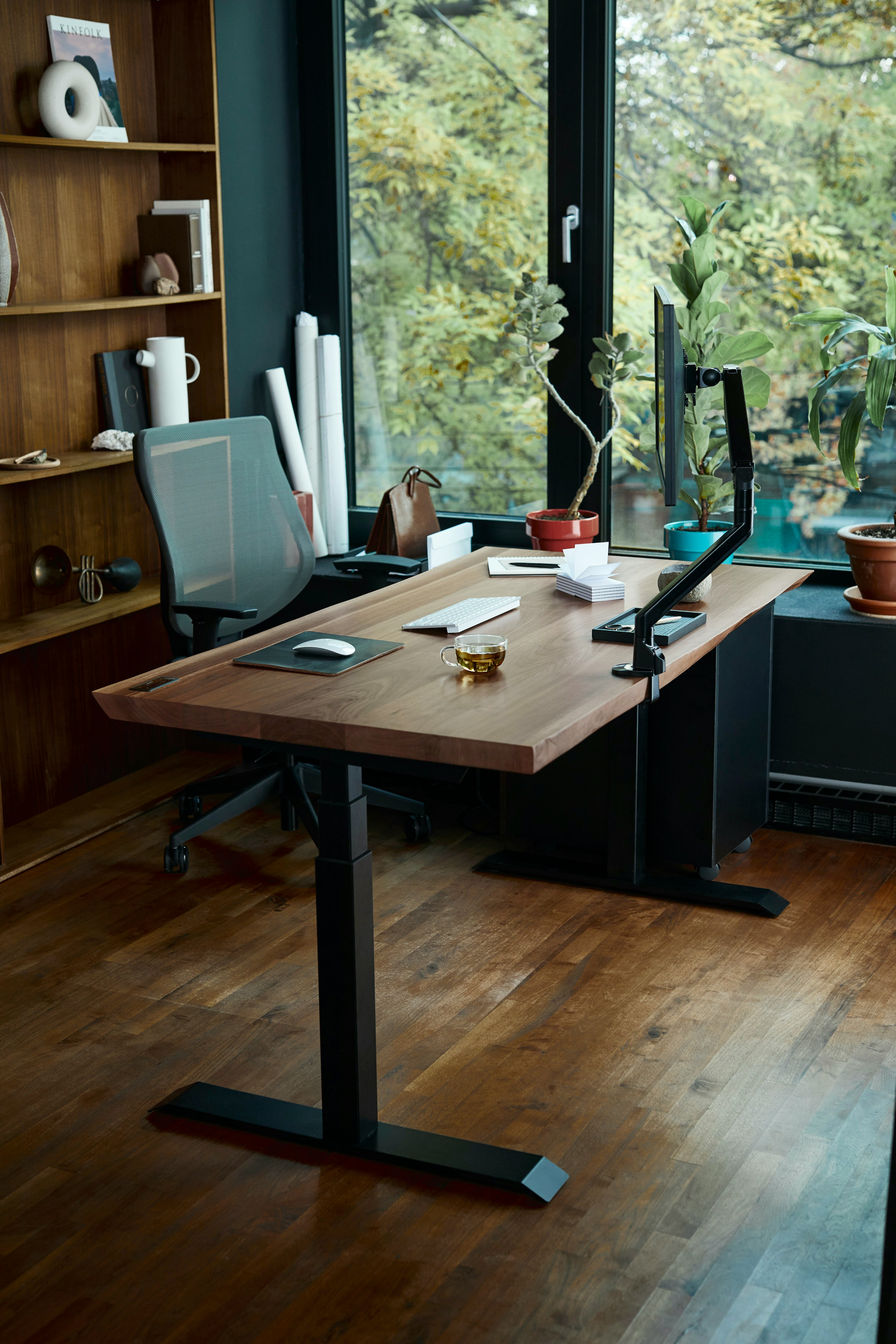
It sounds unrelated to a static site generator, but the two changes came from the same instinct: cut the things that add friction without adding value. A cluttered desk and a bloated CMS are the same problem wearing different clothes.
Where the old project-tracking habits still hold up
None of this meant throwing out every tool I’d built habits around. I still plan posts and site sections the same way I plan client work — a simple board, a short list of what’s next, nothing more elaborate than the job needs.

And for anything involving a client team, a lightweight shared board still earns its place — coordinating feedback and revisions is exactly the case where a bit of process pays for itself.

Would I recommend this to a client?
Almost never for their main business site — most clients need an editor a non-developer can use, and WordPress (or a proper headless CMS) still wins that job. But for a personal portfolio, a documentation site, or a blog with a single writer who’s comfortable with Markdown, Jekyll is hard to beat: faster pages, a smaller attack surface, and a lot less to maintain at 11pm when something inexplicably breaks.
If you’re weighing the same move for your own site, or want a second opinion on whether a static site fits your project, get in touch — or take a look at some of the work.